Getting Started – Adding Employees
1. To add Employees, select to the Invite Users option on the left panel menu.
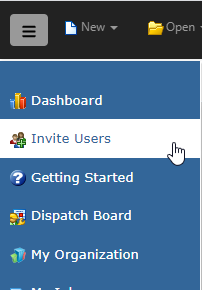
2. Click the Add button to create a new Employee.

3. Fill in the user’s First Name, Last Name, Phone, Email, Security Role, and Office. Select whether to send the invitation link to the new Employee as a SMS message, Email, or both.
4. Click the Send Invitation button. A message will be sent to the new user with instructions for them to login and complete their setup.