Getting Started – Dispatch Board
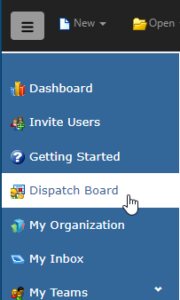
1. To dispatch Work Orders, go to the left panel menu and select Dispatch Board.
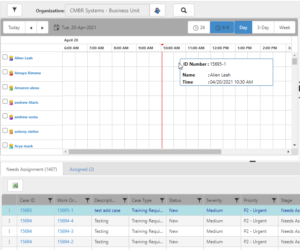
2. On the Dispatch Board you will find a Gantt chart containing a list of your dispatchable Employees, a map, and two grids.
The Needs Assignment tab contains a list of all Work Orders that need to be assigned, while the Assigned grid contains active Work Orders that have already been assigned. To assign a Work Order, simply click on a line in the Needs Assignment tab and drag and drop it on an available time slot of the Employee you wish to assign it to in the Gantt chart.
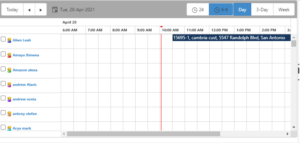
3. Once assigned, the Work Order will show up on the Gantt chart.
See Also:
Help Topic – Dispatch Board