Getting Started – Import Data
1. To use the importer, click the Import Data button on the top menu.

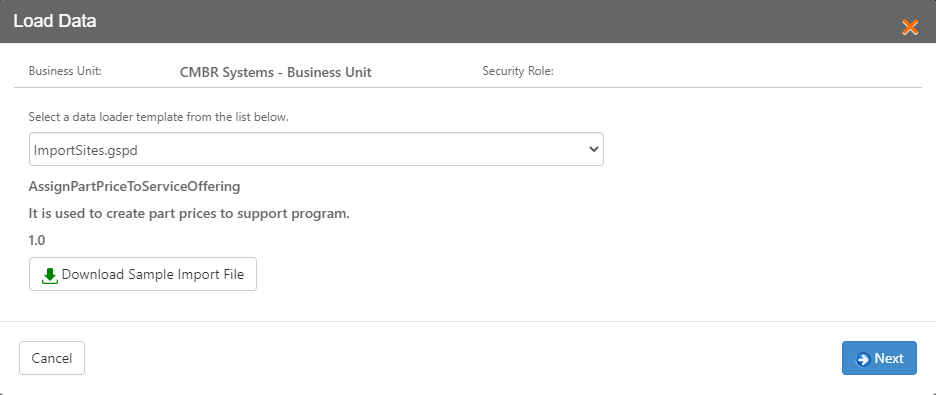
2. Select the Data Loader Template you will be using from the dropdown and click Next.
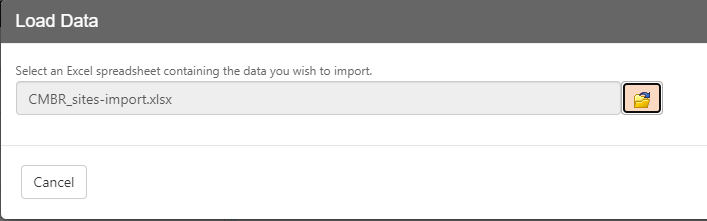
3. Select the spreadsheet containing the data you wish to import.
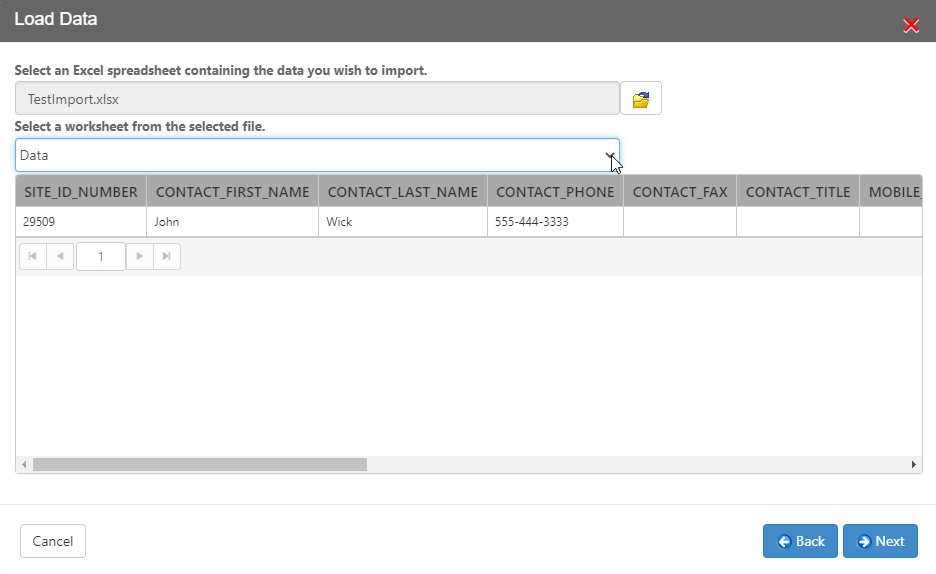
4. Select the worksheet from the dropdown that contains the data you want to import. The data will be displayed in the table below. Click Next.
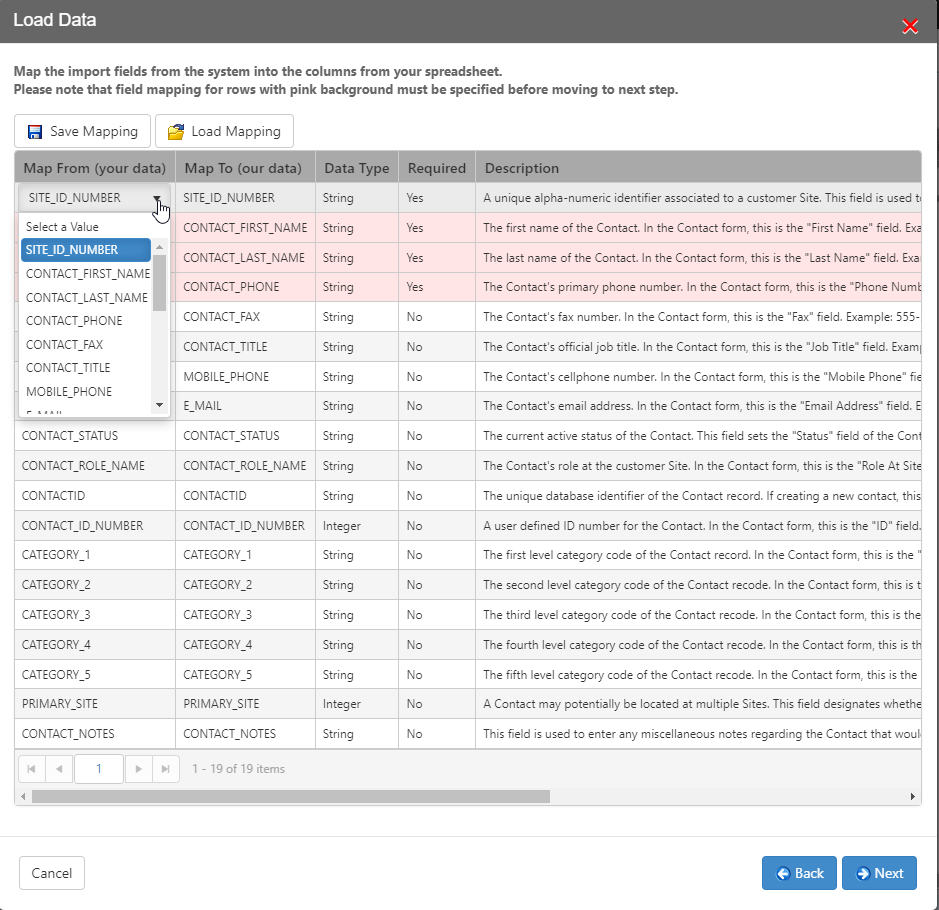
5. Use the dropdowns in the leftmost column to map the columns from your spreadsheet to the fields of the importer. This mapping can be saved and loaded to make future imports more convenient. Click Next.
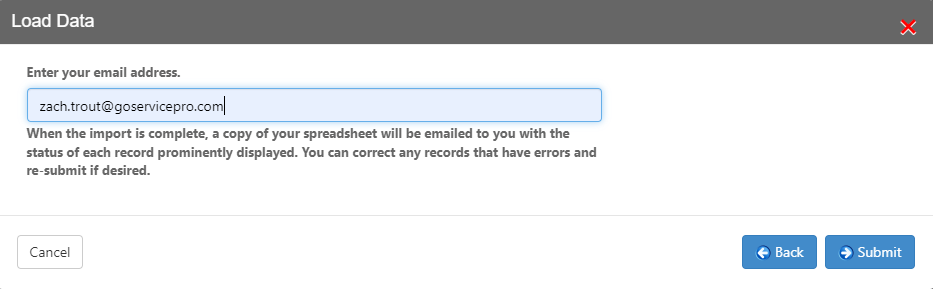
6. Add your email address and click Submit.