Getting Started – My Organization
My Organization offers a comprehensive view of your business’ data broken down by Company, Business Unit, Region, District, Office, and Individual site levels.
The left panel contains an expandable tree containing the internal sites belonging to your company.
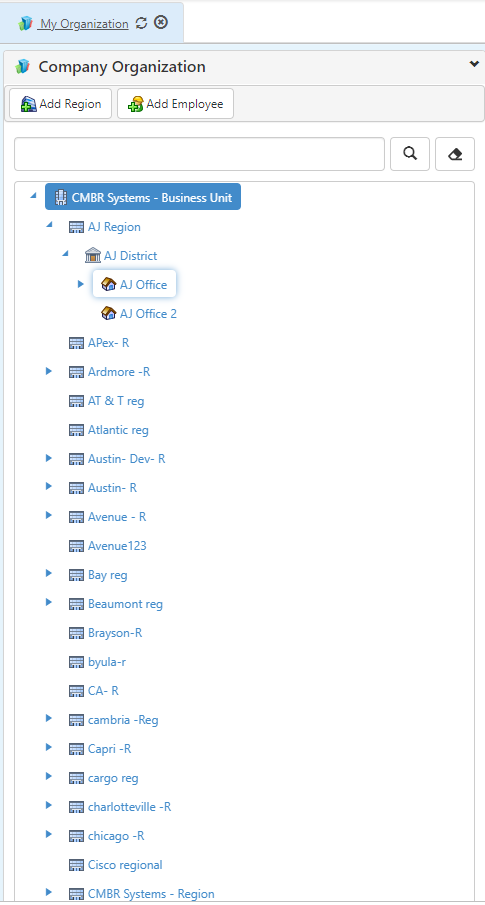
The data displayed in the tabs on the right panel will change depending on which site is selected on the left.
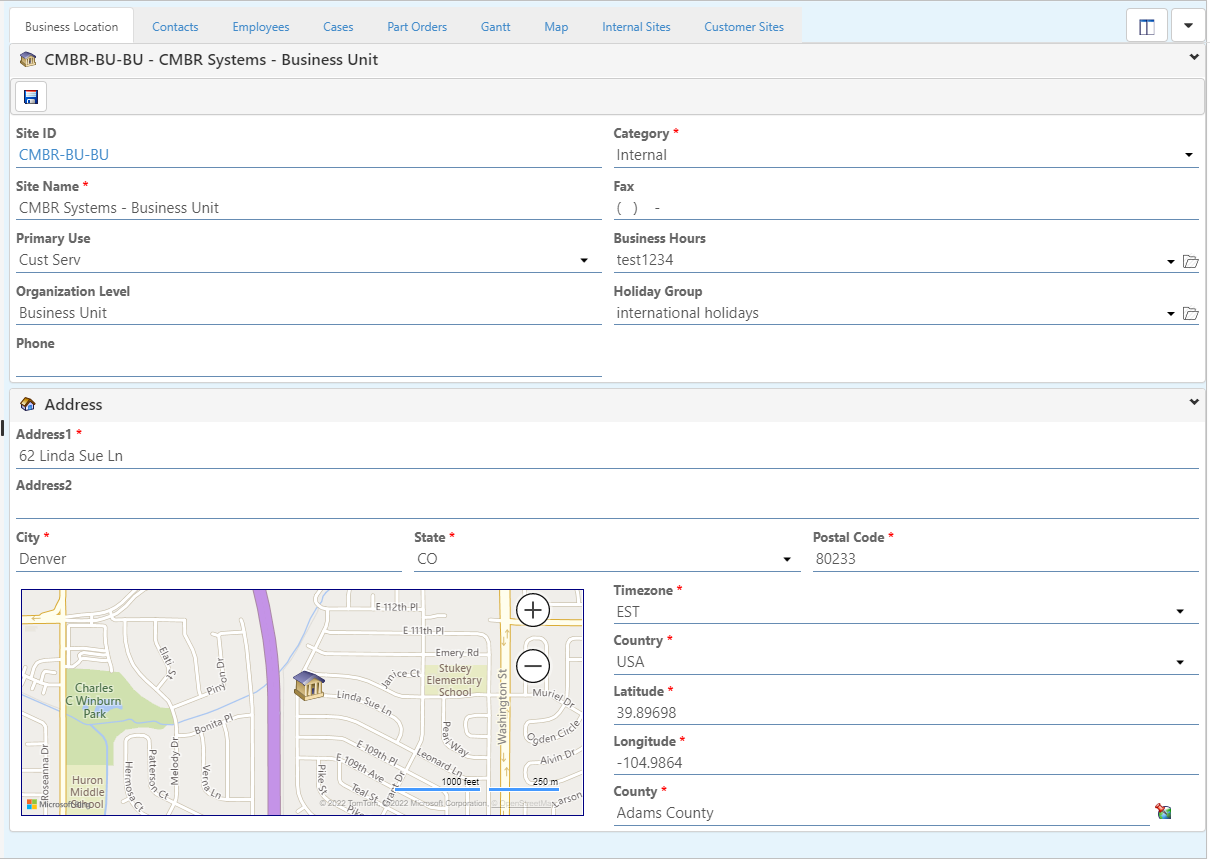
Business Location – Contains location data related to the Site selected on the tree.
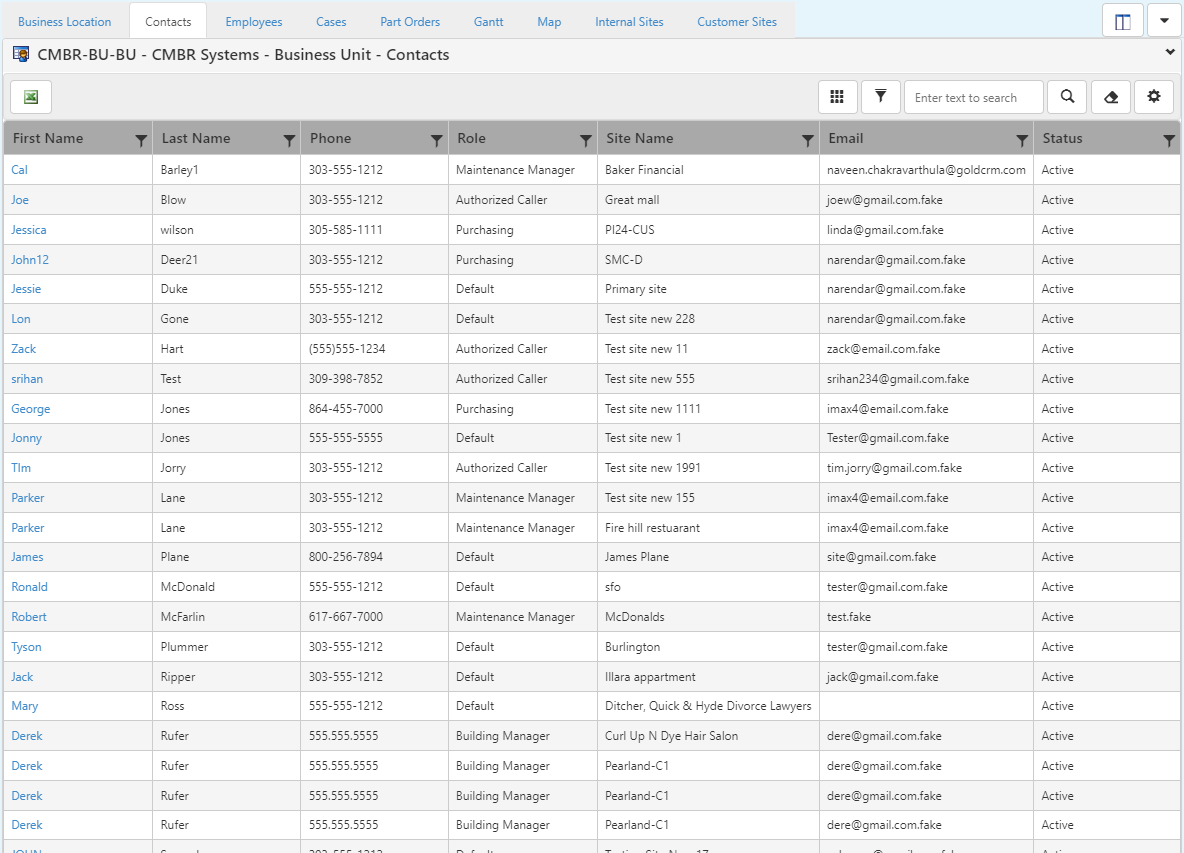
Contacts – Contains a list of Contacts belonging to the selected Site and its children.
Employees – Contains a list of Employees belonging to the selected Site and its children.

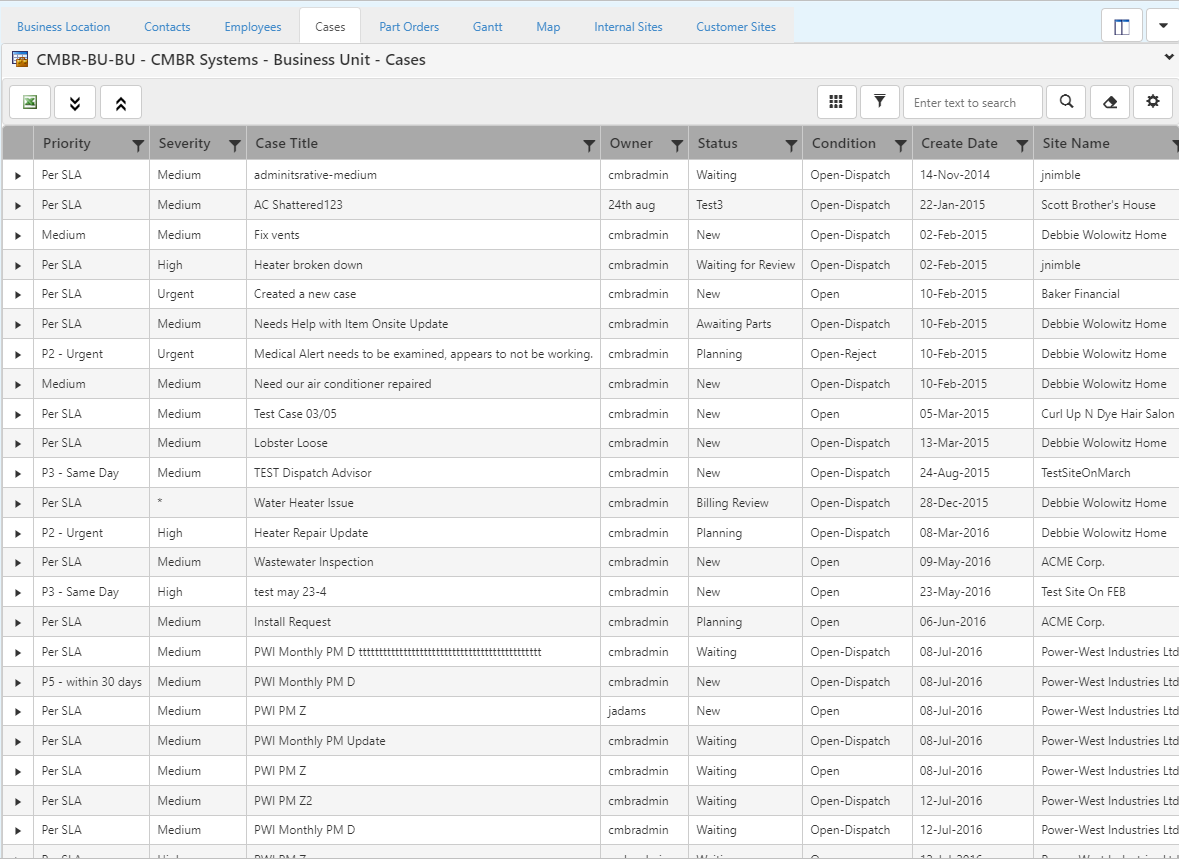
Cases – Contains a list of Cases belonging to the selected Site and its children.
Part Orders – Contains a list of Part Orders belonging to the selected Site and its children.

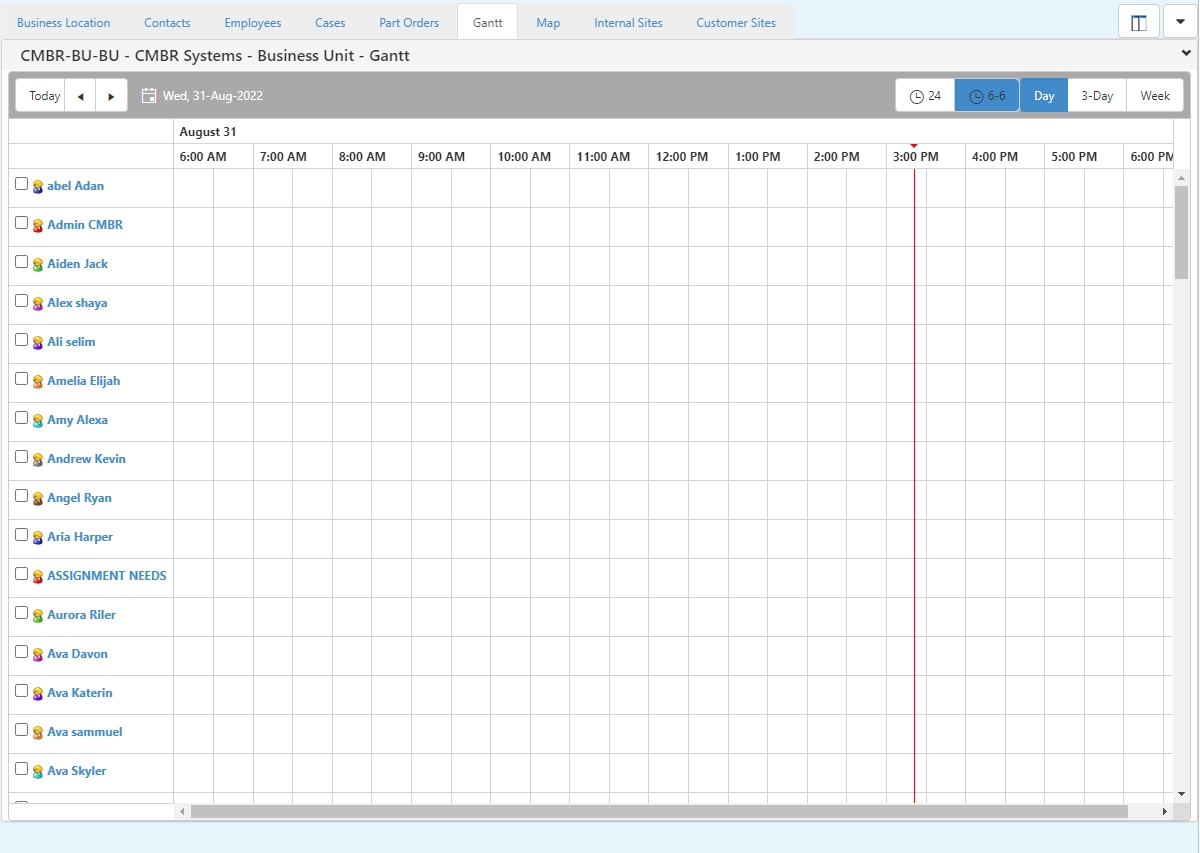
Gantt – Displays the gantt schedule of the selected Site and its children.
Map – Displays the map view of the selected Site and its children.

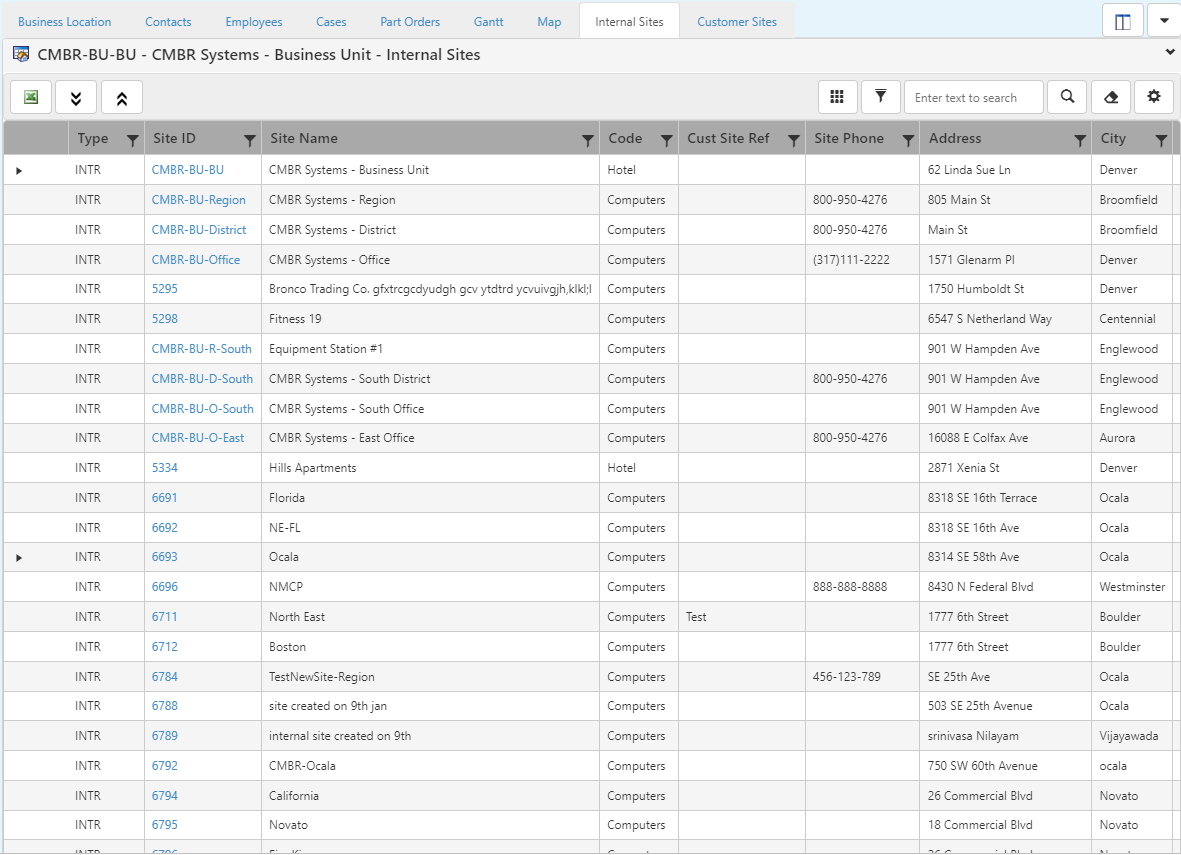
Internal Sites – Contains a list of all company related Sites under the selected Site.
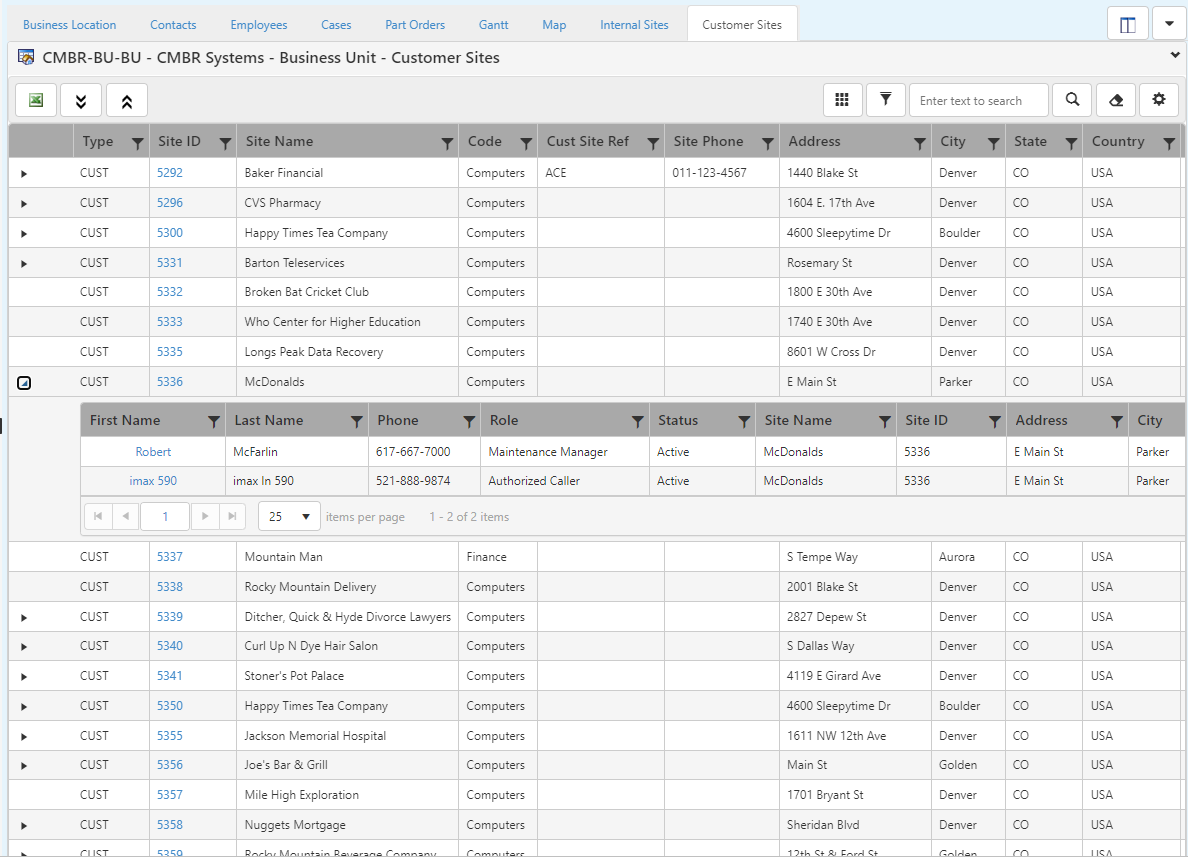
Customer Sites – Contains a list of all customer Sites under the selected Site.